


Hoy vamos a ver como podemos agregar un disclaimer en los mensajes salientes de nuestro Exchange Server 2003 por medio de un VBScript. Para poder hacer esto vamos a necesitar las herramientas SDK de Exchange (Ver sección de links para su descarga).
La instalación es muy sencilla:
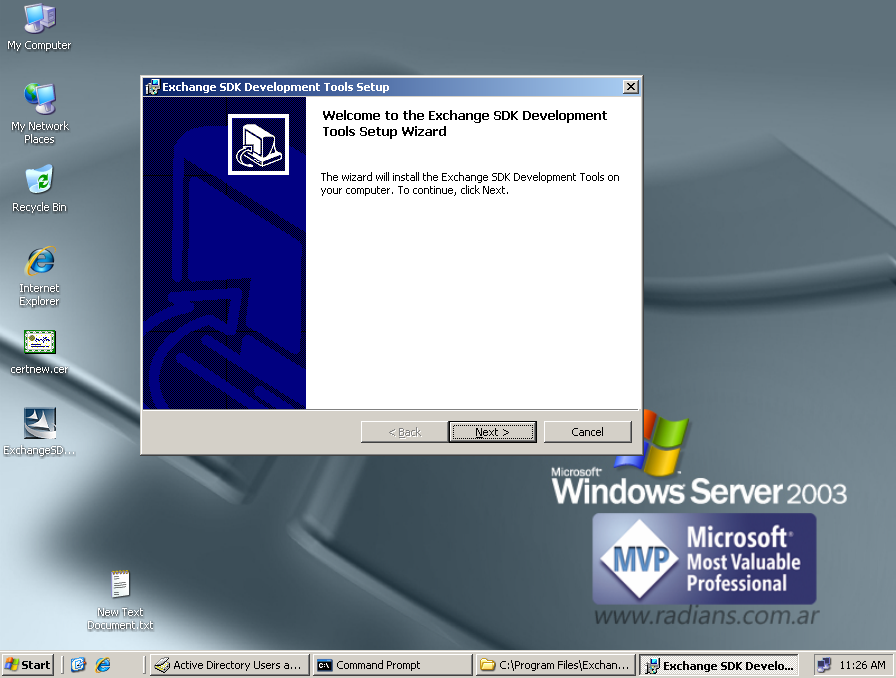
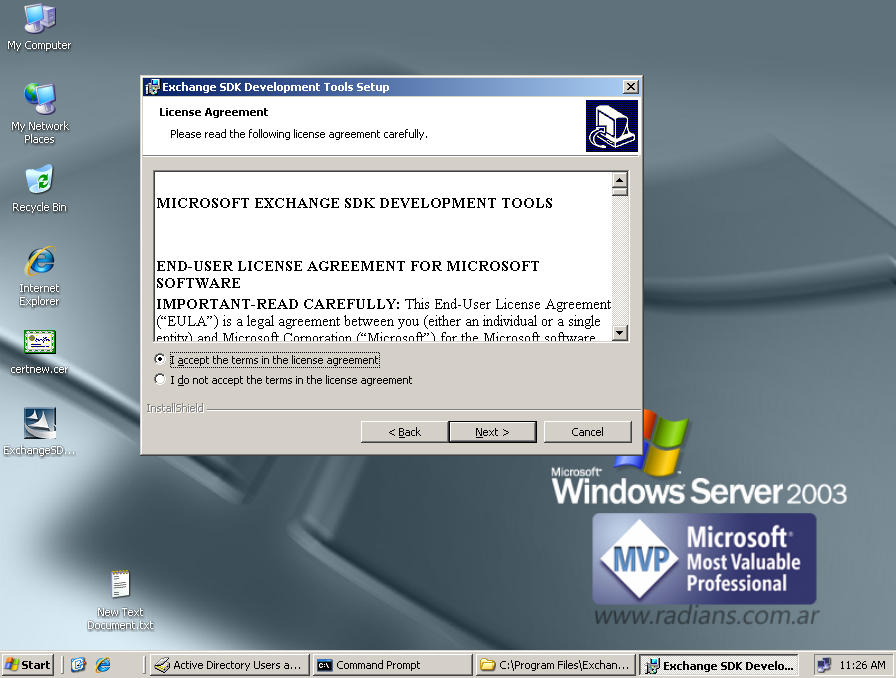
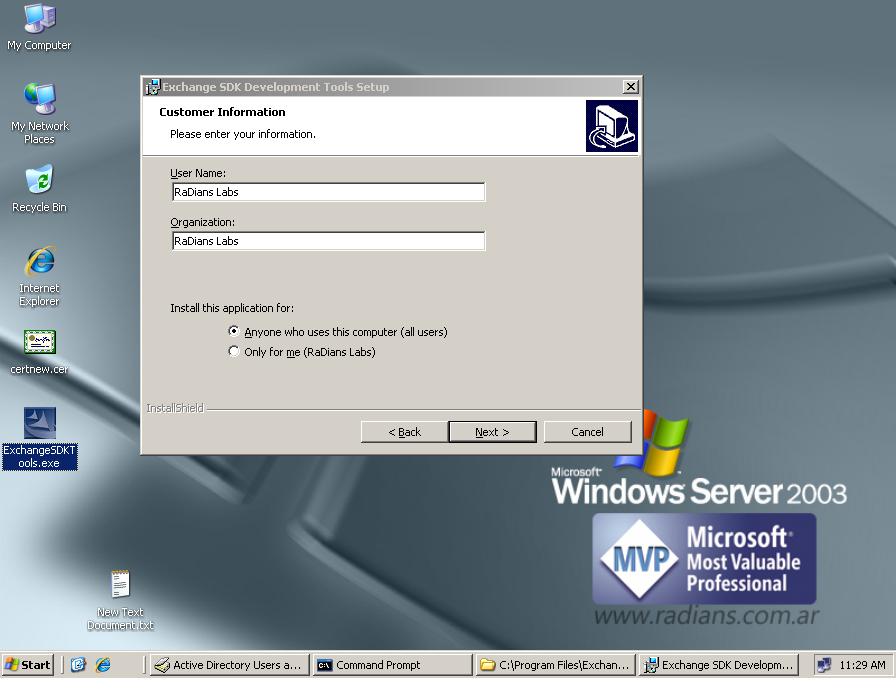
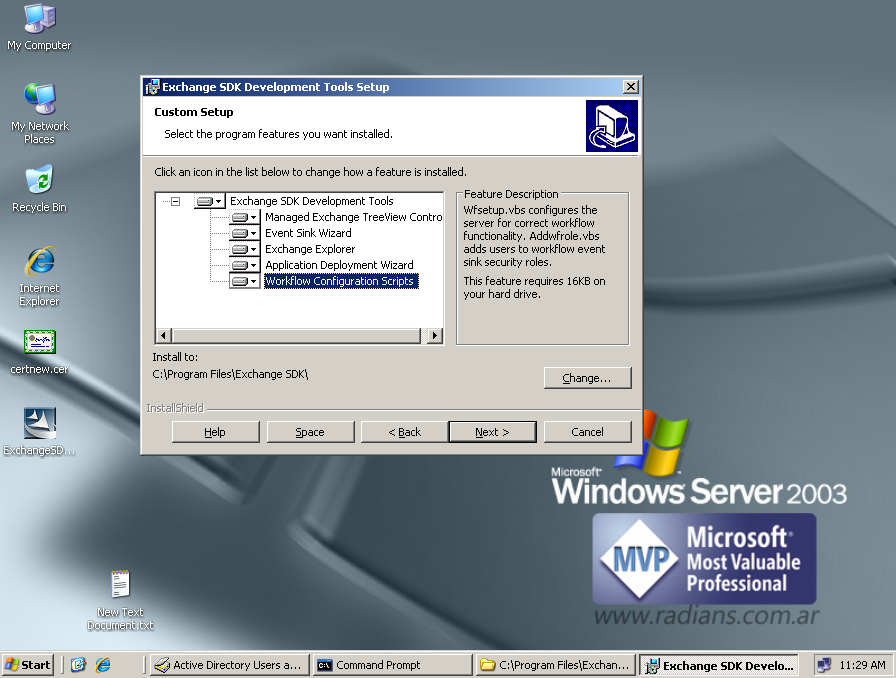
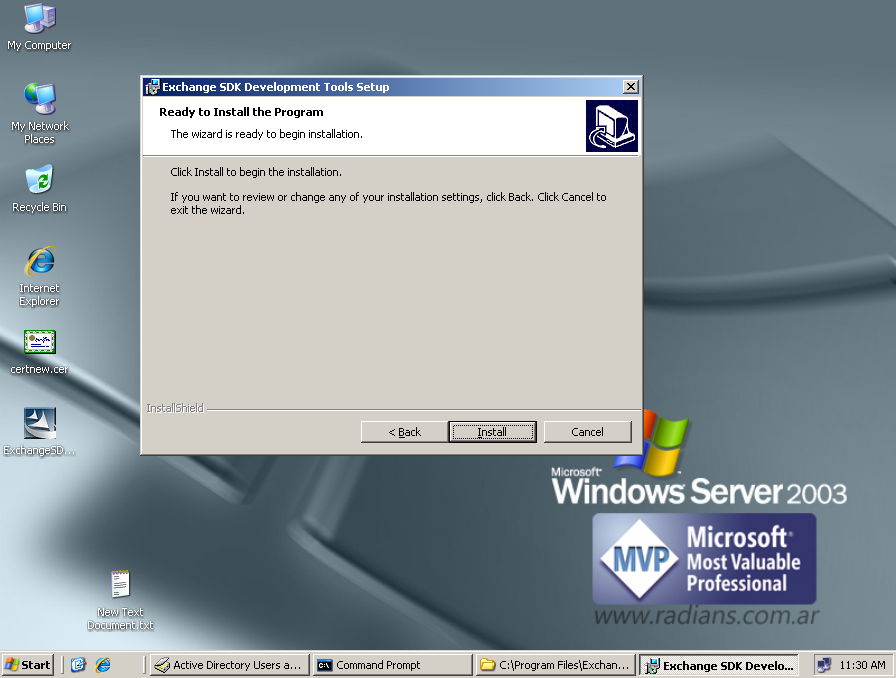
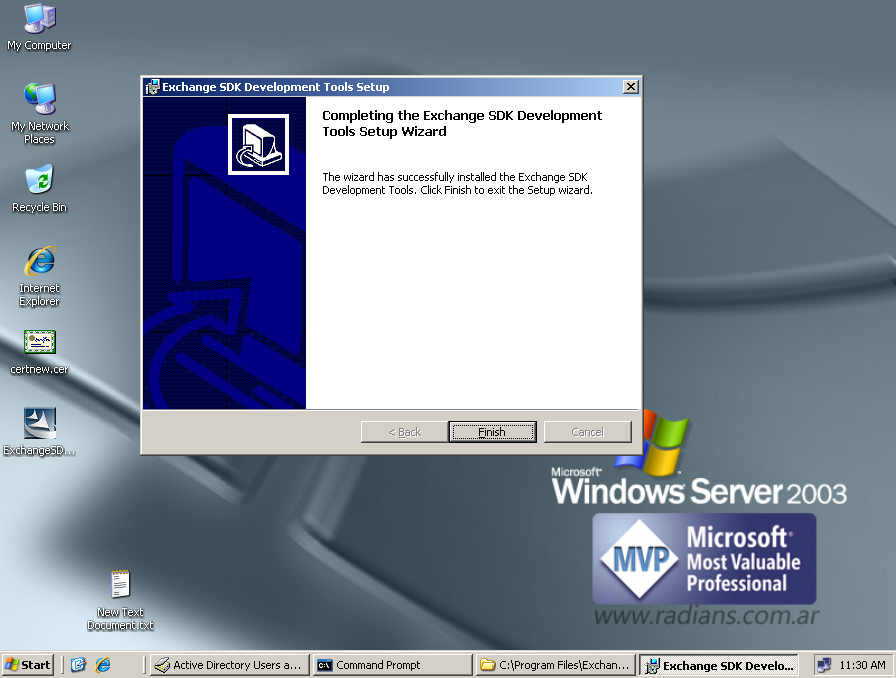
Ahora tenemos que hacer el script que contendrá nuestro Disclaimer. Debe tener el siguiente formato:
<SCRIPT LANGUAGE="VBScript">
Sub ISMTPOnArrival_OnArrival(ByVal Msg, EventStatus)
TextDisclaimer = vbCrLf & "DISCLAIMER:" & vbCrLf & "This message is intended only for the use of the individual or entity to which it is addressed and may contain information which is privileged, confidential, proprietary, or exempt from disclosure under applicable law. If you are not the intended recipient or the person responsible for delivering the message to the intended recipient, you are strictly prohibited from disclosing, distributing, copying, or in any way using this message. If you have received this communication in error, please notify the sender and destroy and delete any copies you may have
received."
HTMLDisclaimer = "<p></p><p>DISCLAIMER:<br>This message is intended only for the use of the individual or entity to which it is addressed and may contain information which is privileged, confidential, proprietary, or exempt from disclosure under applicable law. If you are not the intended recipient or the person responsible for delivering the message to the intended recipient, you are strictly prohibited from disclosing, distributing, copying, or in any way using this message. If you have received this communication in error, please notify the sender and destroy and delete any copies you may have
received."
If Msg.HTMLBody <> "" Then
‘Search for the "</body>" tag and insert our disclaimer before that tag.
pos = InStr(1, Msg.HTMLBody, "</body>", vbTextCompare)
szPartI = Left(Msg.HTMLBody, pos – 1)
szPartII = Right(Msg.HTMLBody, Len(Msg.HTMLBody) – (pos – 1))
Msg.HTMLBody = szPartI + HTMLDisclaimer + szPartII
End If
If Msg.TextBody <> "" Then
Msg.TextBody = Msg.TextBody & vbCrLf & TextDisclaimer & vbCrLf
End If
‘Commit the content changes to the transport ADO Stream object.
Msg.DataSource.Save ‘ Commit the changes into the transport Stream
EventStatus = cdoRunNextSink
End Sub
</SCRIPT>
Una vez hecho esto, lo que debemos hacer es registrar el receptor de eventos, utilizando el archivo Smtpreg.vbs. Desde un símbolo del sistema, vamos a la carpeta C:\Program Files\Exchange SDK\SDK\Support\CDO\Scripts y escribimos lo siguiente:
- cscript smtpreg.vbs /add 1 onarrival SMTPScriptingHost CDO.SS_SMTPOnArrivalSink "mail from=*@radians.com.ar"
- cscript smtpreg.vbs /setprop 1 onarrival SMTPScriptingHost Sink ScriptName "C:\DisclaimerScript.vbs"

Si el comando se ejecuta correctamente, aparecerá un mensaje de confirmación generado por la secuencia de comandos.
Si por alguna razón queremos desactivar este Script debemos ejecutar lo siguiente:
- cscript smtpreg.vbs /remove 1 OnArrival SMTPScriptingHost
Listo ya esta hecho, entonces para probarlo, debemos enviar un mensaje de correo electrónico a un destinatario SMTP externo a nuestra organización. El destinatario debe recibir un mensaje modificado con nuestro disclaimer al pie del mensaje. Yo no lo puedo probar ahora porque mi entorno virtual no tiene salida externa, pero créanme funciona!; obviamente tiene sus limitaciones, en comparación con las posibilidades que tenemos en Exchange Server 2007 o 2010; pero bueno es una solución momentánea para quienes tienen aun Exchange Server 2003 en su organización, sin tener que adquirir un software de terceros para tal fin.
Espero que les sea de utilidad. Saludos, Roberto Di Lello.
Algo muy importante!!!!, si usamos un cliente MAPI, como Microsoft Outlook, para enviar el mensaje de correo electrónico, el destinatario no recibirá el mensaje modificado. Esto se debe a que los mensajes que se envían con MAPI no tienen un formato SMTP cuando se desencadena el evento de transporte SMTP. Por tanto, los cambios realizados en el código del evento no se conservan.
Links con Información Adicional:
- Exchange SDK Development Tools
- Microsoft Exchange Server 2003 Software Development Kit
- Microsoft Exchange Server 2003 SDK Documentation and Samples June 2007
- "Managing Event Bindings" (Administrar enlaces de eventos)